
Project Overview
Hyperlapse reality at its core concept bridges the reality of hyperlapse photography (in the real world) and virtually built cities namely Wellington City, NZ. Having a vast collection of Hyperlases of Wellington I want to create an experience that lets the viewer move through a virtual space in time while still having the connected real city reality from the photography. GIS data that somewhat accurately constructs a virtual Wellington city via data visualisation in 3D rendering software allows me to place these elements together to create such an experience.
Hyperlapse or moving time-lapse (also stop-motion time-lapse) is a technique in for creating motion shots. In its simplest form, a hyperlapse is achieved by moving the camera a short distance between each shot.
Breaking down a bit of my research of hyper realities and the new aesthetic, in a realistic view of my photography work, I want to bring a new wonder to the expression in my work. This notion that the New aesthetic is technology talking back to us as we constantly innovate and visualise the future –I want to explore the visual dynamic connection Hyperlapse photography has on location and time. Hyper reality can be explained as an inability to distinguish reality from a simulation and in today’s world AR, MR and HR are becoming widely adopted in mobile technologies we have in our pockets.
For this project I propose a new way of seeing the city around us. This becomes more and more important as the restrictions of Covid-19 pose complications of being able to be in cities around others. Hyperlapse Lives in this very linear and expressive type of industry, music videos, Tv show B-roll sequences and advertising. I want to expand on this visual storytelling medium in a way that gives the user a sense of time, Geo-location and aesthetic emotion. Hyper realities – hyperlapse reality.
“A focus on embodied interaction moves from the 2nd paradigm idea that thinking is cognitive, abstract, and information-based to one where thinking is also achieved through doing things in the world, for example expression through gestures, learning through manipulation, or thinking through building prototypes. Hyperlapse reality looks to bridge the embodied interaction with photography, where in some sense you may know where you are and through the manipulation of the application you’ll get a sense of location and time(through visual expression via the photography)
“The 3rd paradigm, in contrast, sees meaning and meaning construction as a central focus.”
- Harrison and others
HCI PARADGMS
HCI is about designing new software tools and user interfaces. The 1st paradigm tends to take a pragmatic approach to meaning, ignoring it unless it causes a problem, while the 2nd interprets meaning in terms of information flows. For hyperlase reality, there is information flow as the user will interact with what location is desired and meaning will be constructed once the user is familiar with where they are. The user is then taken into the hyperlapse where - The 3rd paradigm, in contrast, sees meaning and meaning construction as a central focus. Location, time and emotion. With hyperlapse reality being a VR centered project I believe it fits mostly into the 3rd paradigm of interaction. Although the second paradigm plays a part in the information transfer of the application, the main interaction is viewing and experiencing the hyperlapse in another location and effective transfer of this data is necessary. With the view of hyperlapse in a 3D generated landscape, buildings/elevation, the user is taken on a perceived journey through time and space being phenomenology situated.

Rapid Prototype Update 0.1
With rapid prototyping within Blender I have created the basis to which the project is visualised and constructed. This has given me a start on the Problematic areas of the project along with how I will progress with the technology - Unreal/GIS data software/Oculus Quest.
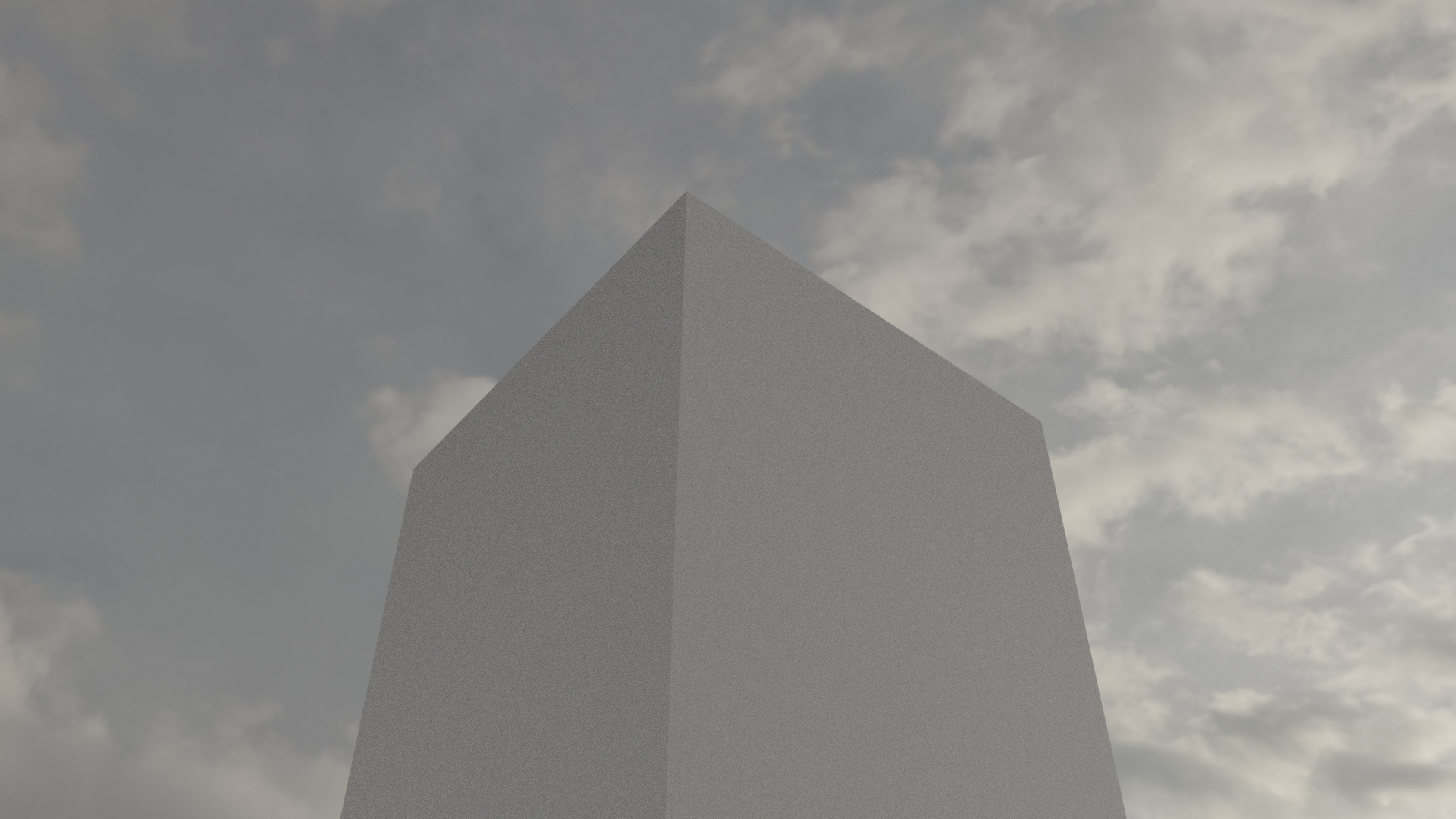
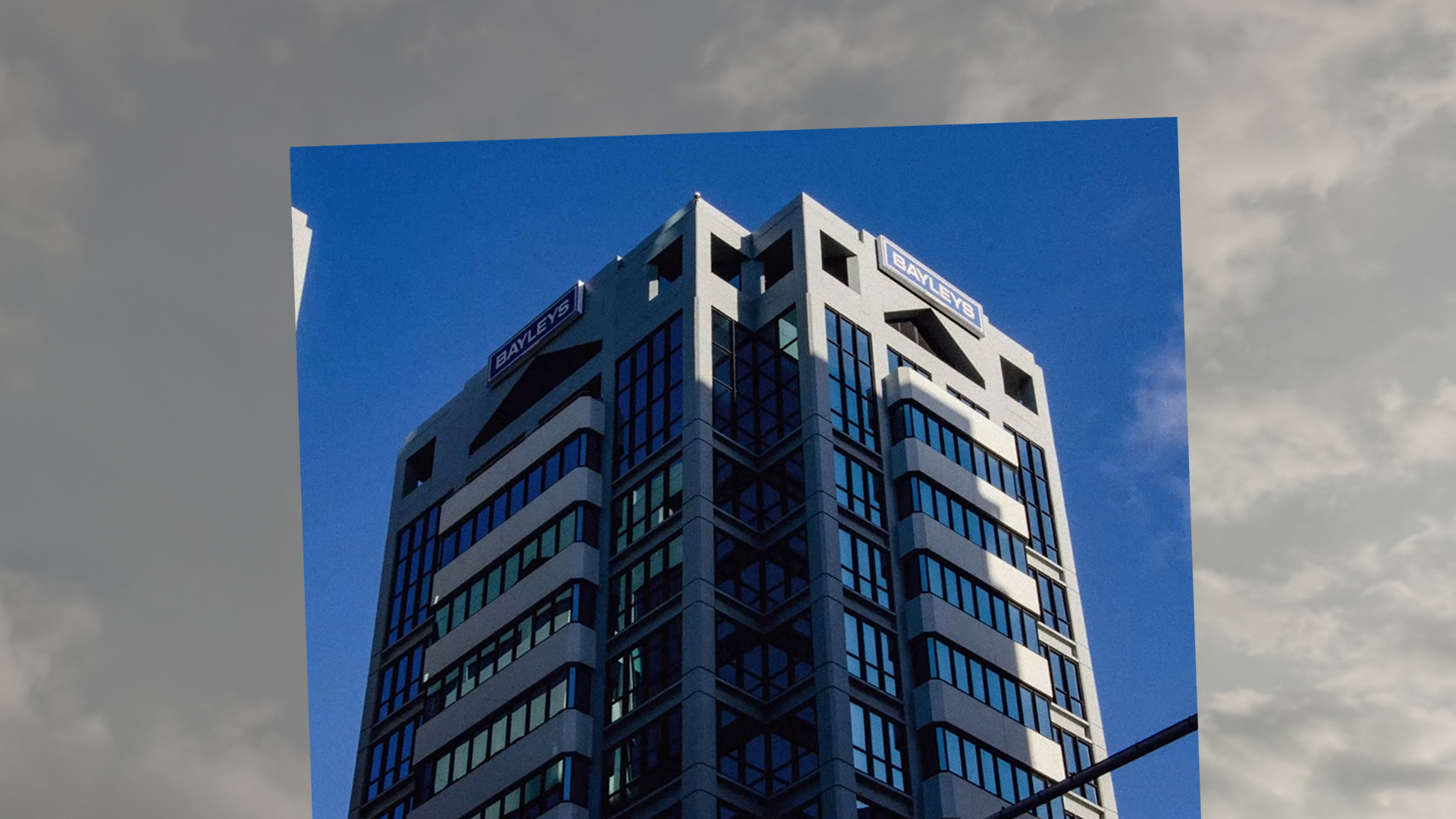
I want to show the abstraction of location, view and emotion that comes with traveling in a place – the hyperlaspe gives you a real live view while also feeling like you are traveling in that location. In saying this,the project goal is to give the user a virtualised experience, in Vr, where the real reality of the photography merges with the virtual environment giving the photography a basis to express emotion in time and space. There is the ability to choose a location, with the possibility of a HUD that gives information of about the time, location.
The technology used for this project consist of a pipeline through:
Blender 3D // GIS Plugin - Display dynamics web maps inside 3D view with requests for Open StreetMap data -buildings, roads & terrain
City Engine - 3D city design software
Google Earth Studio - video creation for scene
Unreal Engine - Development for Oculus Quest application



Prototype Update 1.0
Early stages of the prototype build consisted of research into various software applications that provide GIS data visualisations and building tools for virtual cities. ArcGIS came across as an Industry standard, with use at Victoria University, so quickly I prompted a license from a faculty member at the Kelburn campus.
Beginning with Arc GIS online, City Engine and GIS Pro and data from Linz, Wellington Maps and various governmental sites open to the public I found the software to provide everything to contextualise and map Wellington city virtually. However the means of exporting Unreal Engine ready assets was not possible and the use of Blender GIS (google earth data) is the only real way of creating the environment I need.
Although ArcGIS has a powerful suite of software the limitations each application had lead me to only have a baseline of a 'good' visualisation and map of what I needed to create.
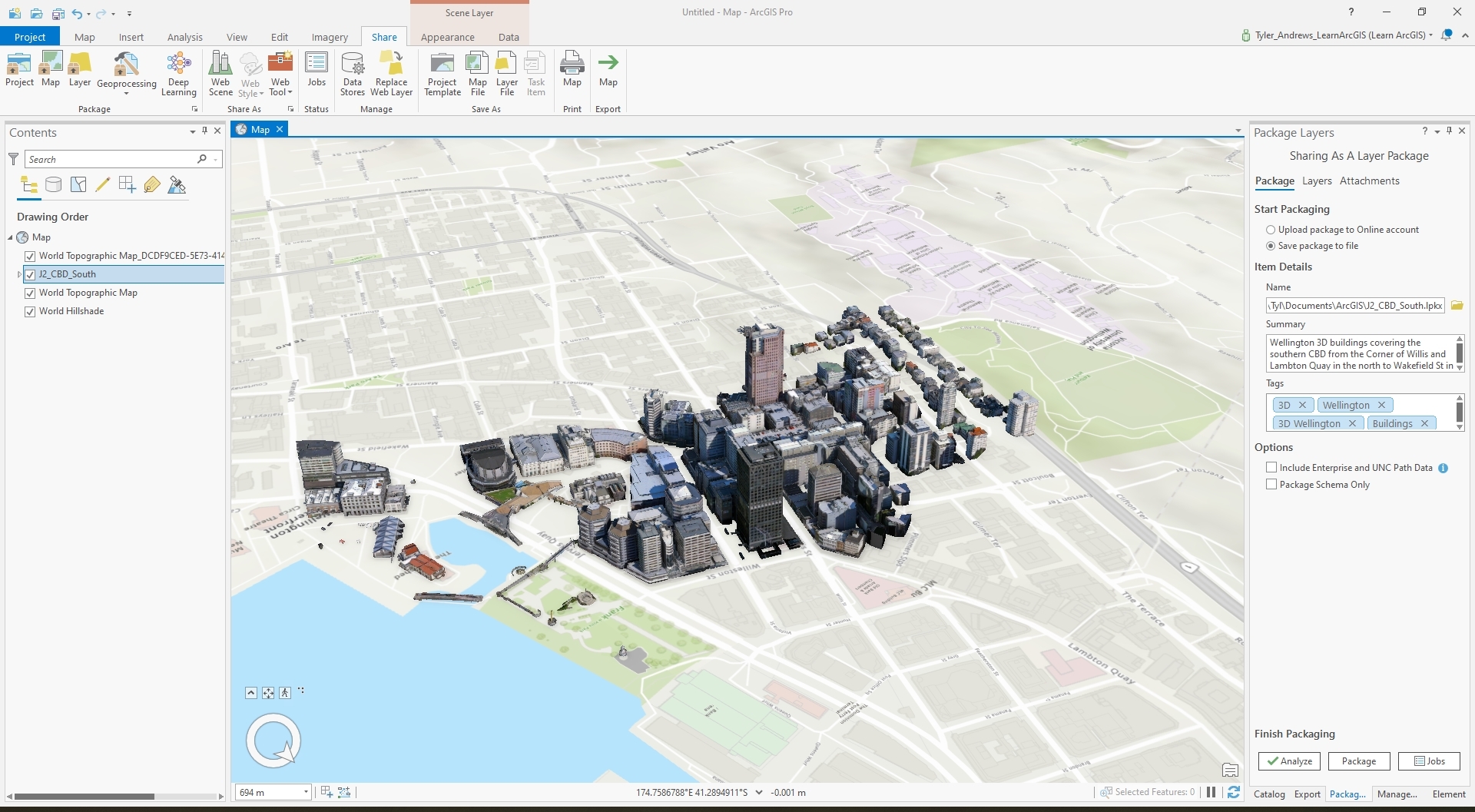
-ArcGIS Pro - Wellington CBD South data visualisation with textures
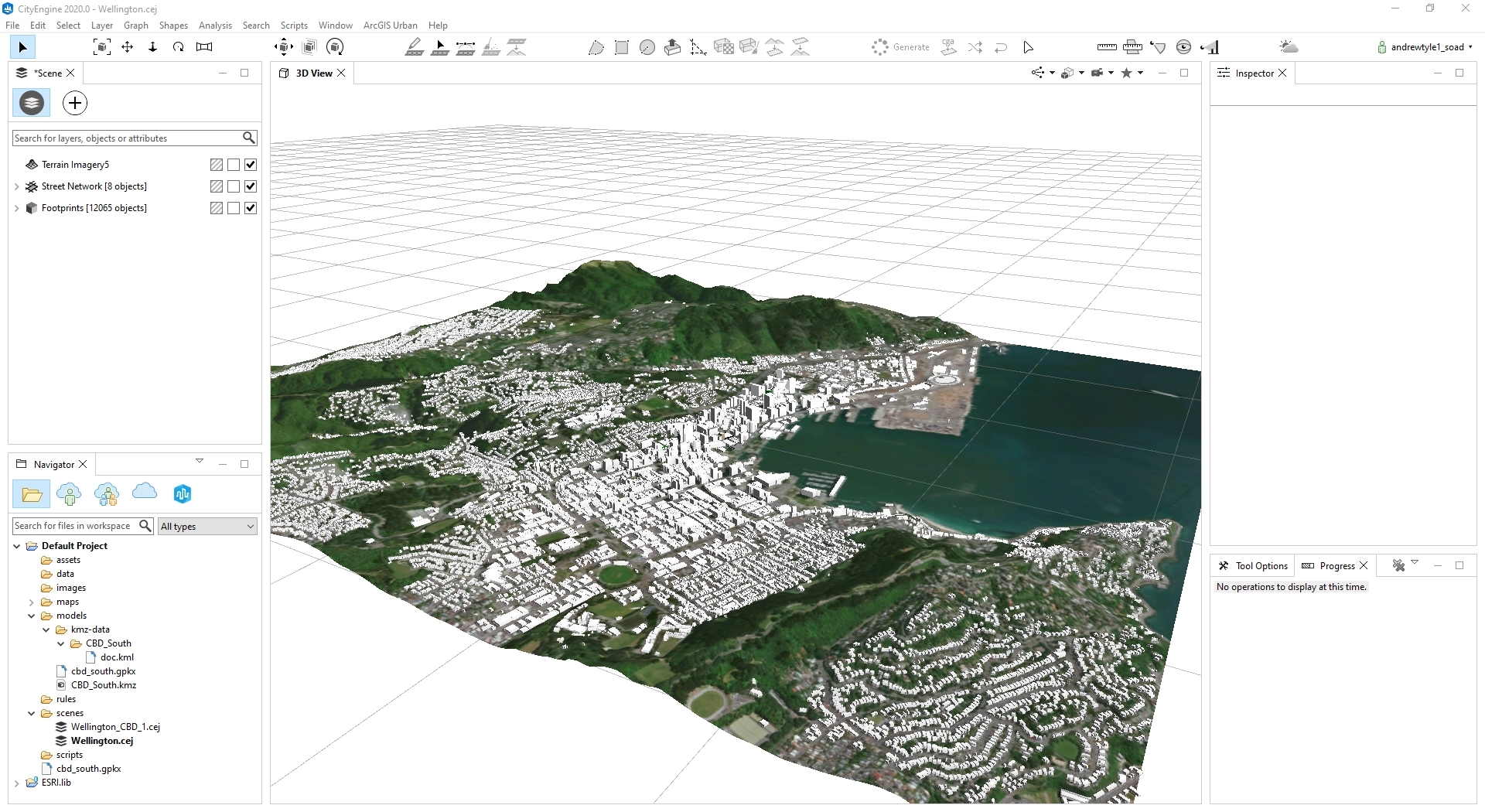
-City Engine - Wellington city (large) data visualisation without textures
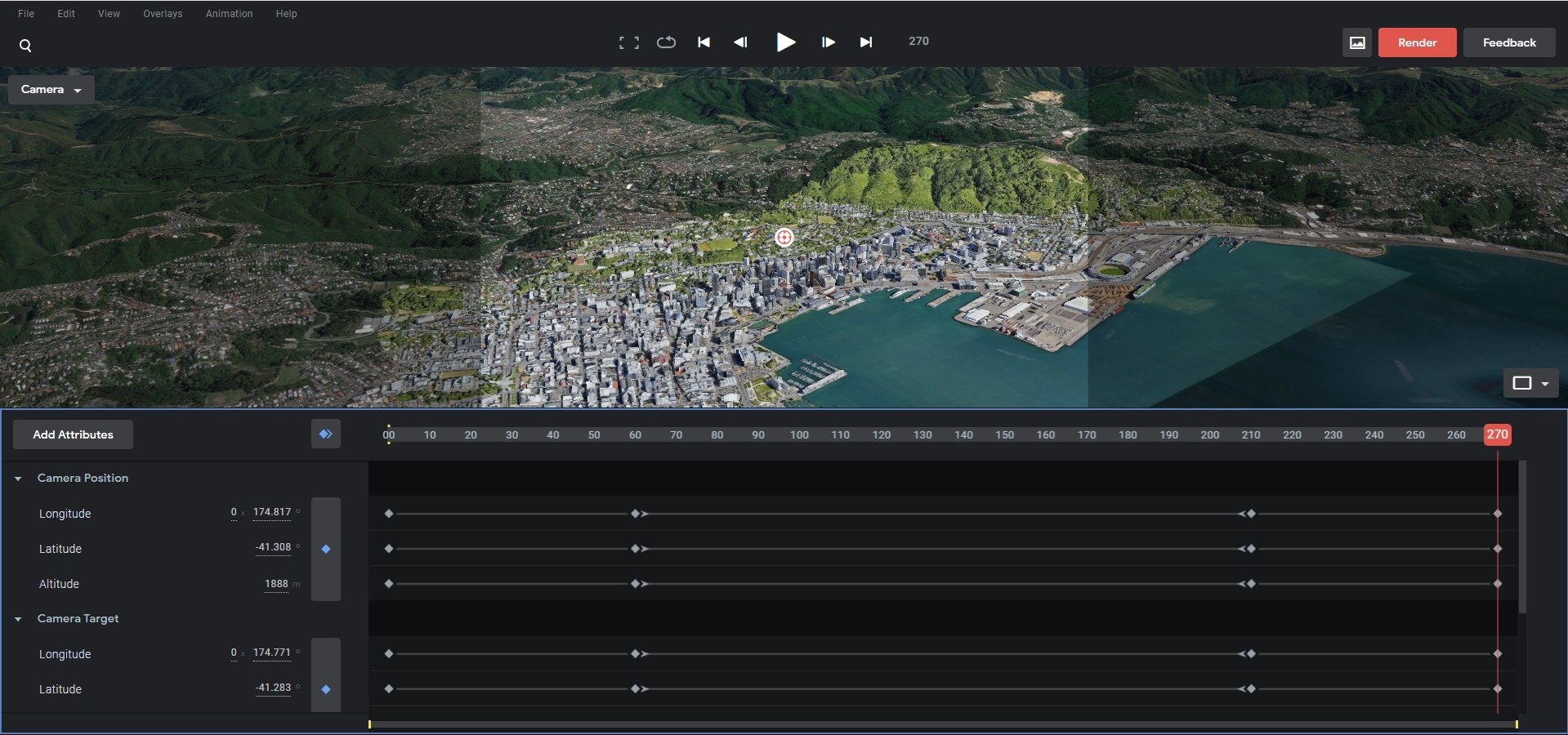
-Google Earth Studio - Wellington city 3d visualisation for animation
Prototype Update 2.0
I have chosen to have a base view of the data, that will be the main component of my project, from the use of Google Earth Studio. This web app gives me the tools to render a short intro shot of Wellington city in the quality most suited for how I would see the final build. These JPEG image sequences can then be taken into Adobe After Effects then Premiere Pro to be rendered into a suitable video file format for Android (Oculus Quest).
This then becomes the frontend video UI for the project.
Prototype update 3.0
Prototype Details & Final Build
The prototype consists mainly of a Windows application build - without VR support. The VR components are present although the core functionality of the camera setup does not translate correctly for the VR experience to work.
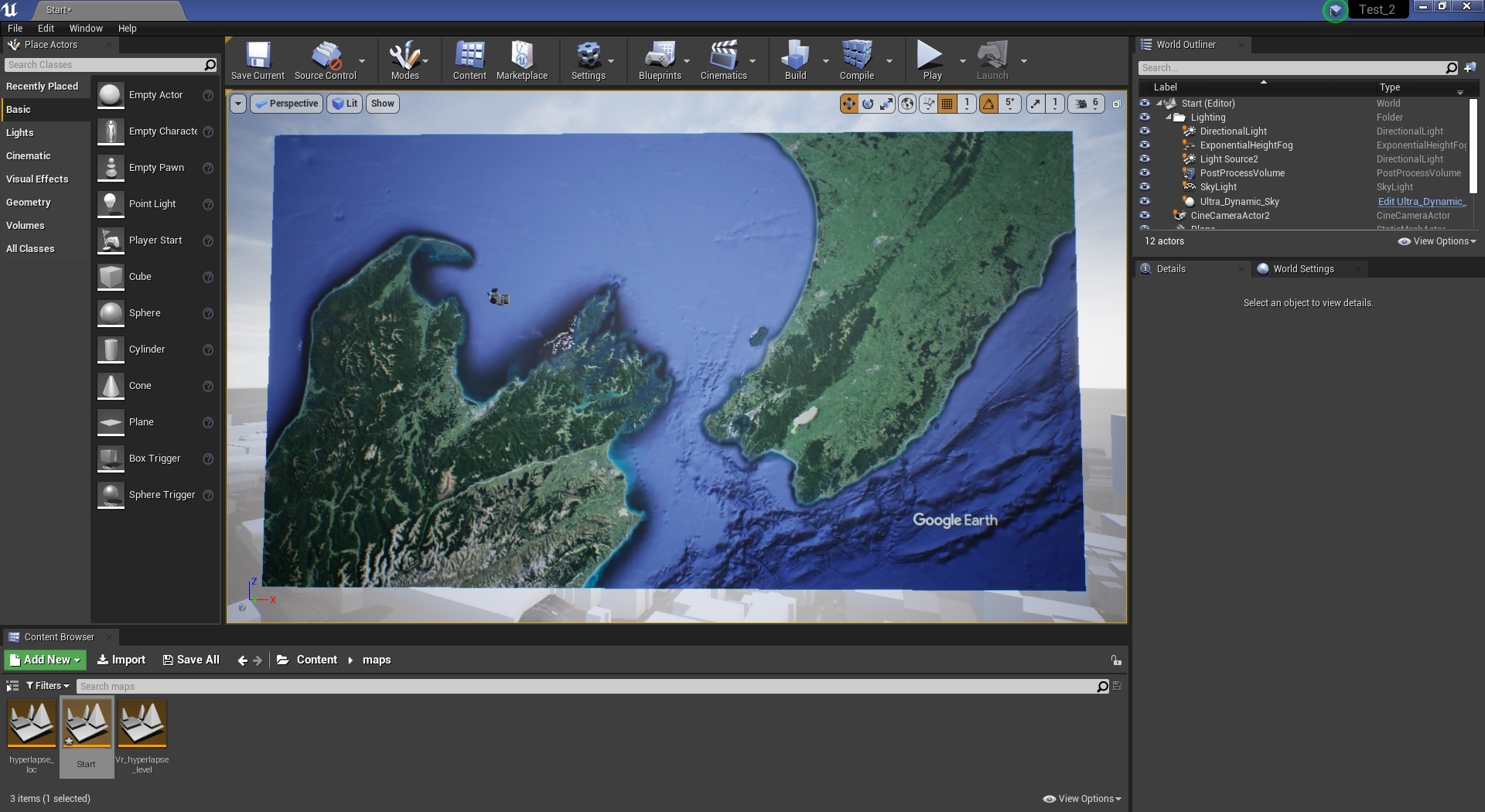
This is the construction of the start screen where Google Earth studio renders have been place on a plane and the camera directed at the animation. This gives a perspective the represents the difference of the two elements -reality and digital.
This scene is the central visulaisation for the hyperlapse and virtual city environment. This is where the GIS data and photography meet - Blueprints make up the bulk of the system where the plane (hyperlapse animation) is locked in front of the camera to which the camera moves along its axis to create the parallax in the virtual city. This system works for the Windows build however translating this to to a VR component - issues would arise with the typical head movement in a VR experience. In saying that I still do believe this prototype fundamentally reinforces the the concept and ability to convey the mix of realities.
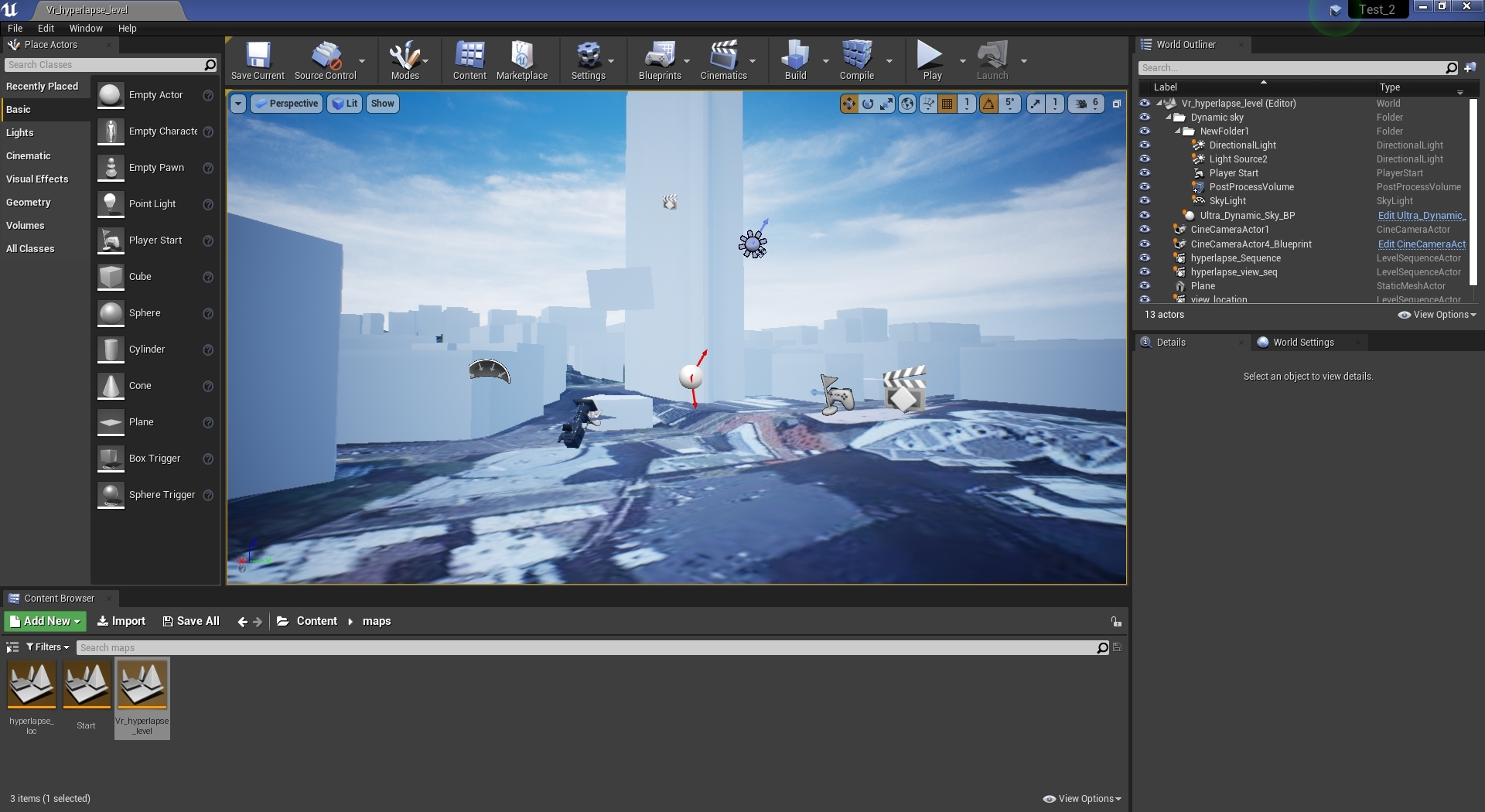
For the hyperlapse video It is a simple video file rendered at a optimised level for mobile devices such as the Oculus Quest. These textures are then placed on the plane in front of the camera and played when the level is started.
The static mesh and textures for the landscape are imported from blender and simply placed into the scene. Most of the work for the satellite imagery for the ground and height data are taken from the inputs in the Blender GIS plugin.
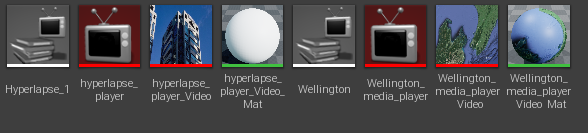
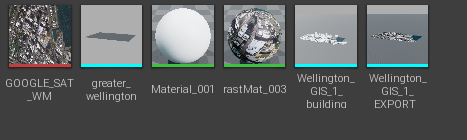
The majority of the system lies in the hyperlapse level blueprint where the camera is moved along its x,y axis and is promoted to the viewport and the player character. This process has missing components such as camera rotation. From the end of the animation, there are UI widget blueprints that simply give the user options for what to do next - Reply or quit - again quite simple.
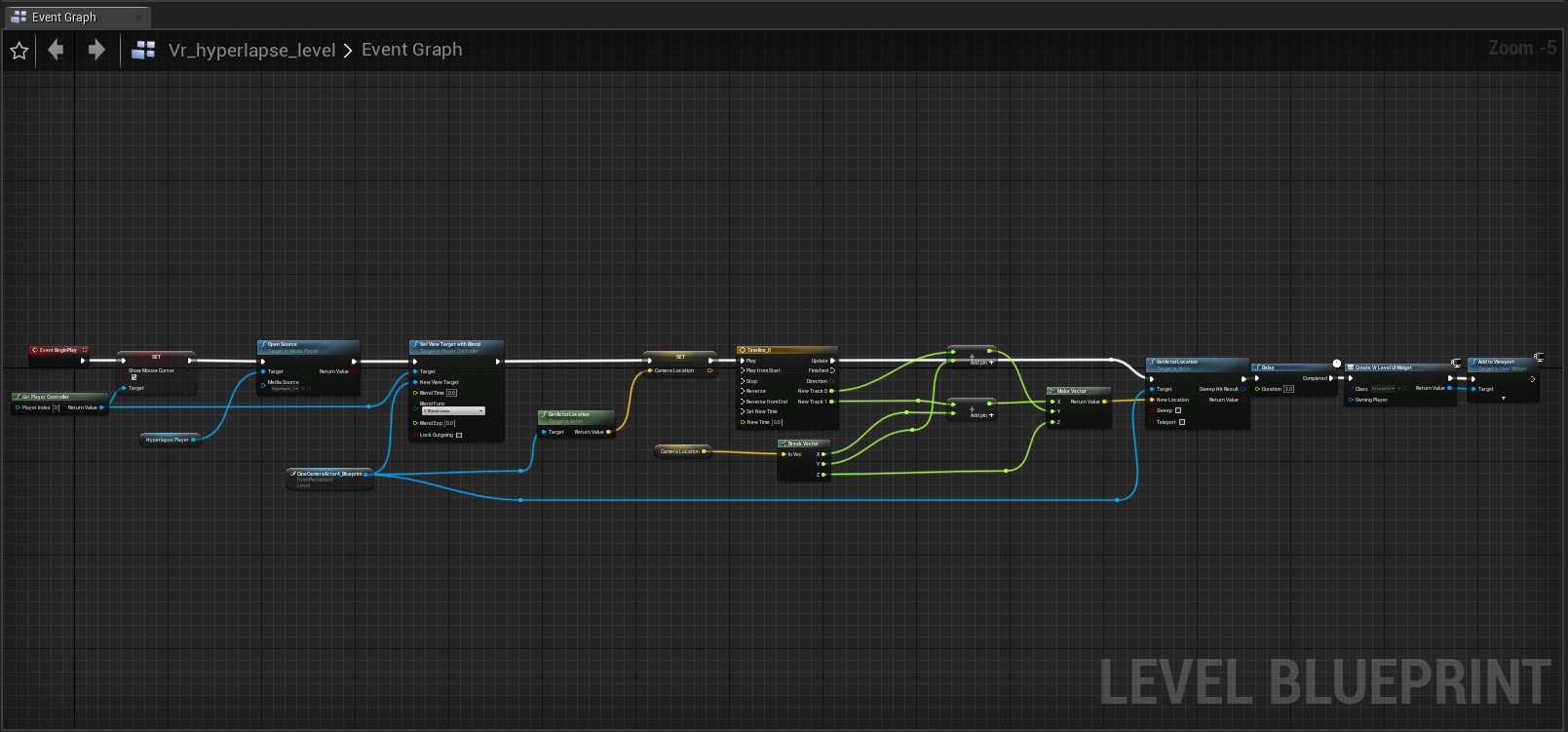
The majority of the system lies in the hyperlapse level blueprint where the camera is moved along its x,y axis and is promoted to the viewport and the player character. This process has missing components such as camera rotation. From the end of the animation, there are UI widget blueprints that simply give the user options for what to do next - Reply or quit - again quite simple.
Here also is the simple start UI blueprint that appears after the initial Google Earth animation is finished.
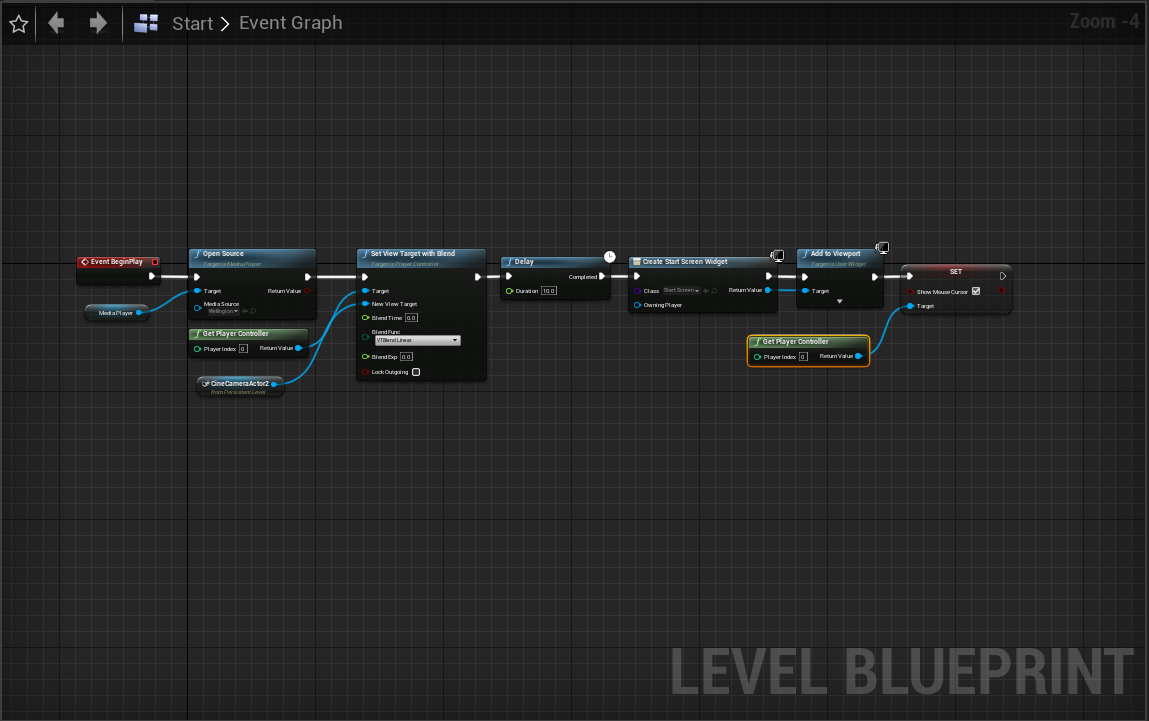
Overall this prototype build showcases the prof of concept where the data for a virtual city can be mixed with Photography in the reality sense that Time and location can be considered. For the 3rd paradigm in mind the Hyperlapse I believe bridges the embodied interaction with photography, where in some sense you know where you are and through the manipulation of the application you’ll get a sense of location and time (through visual expression via the photography).
— SEP 2020